Quick answer
ViiTorVoice editable AI voice demo and workflow guide
A practical English guide for testing ViiTorVoice, understanding local speech editing, and deciding whether its NAR TTS workflow fits real creator, developer, and localization teams.
Live ViiTorVoice demo The Hugging Face Space can take a moment to wake.
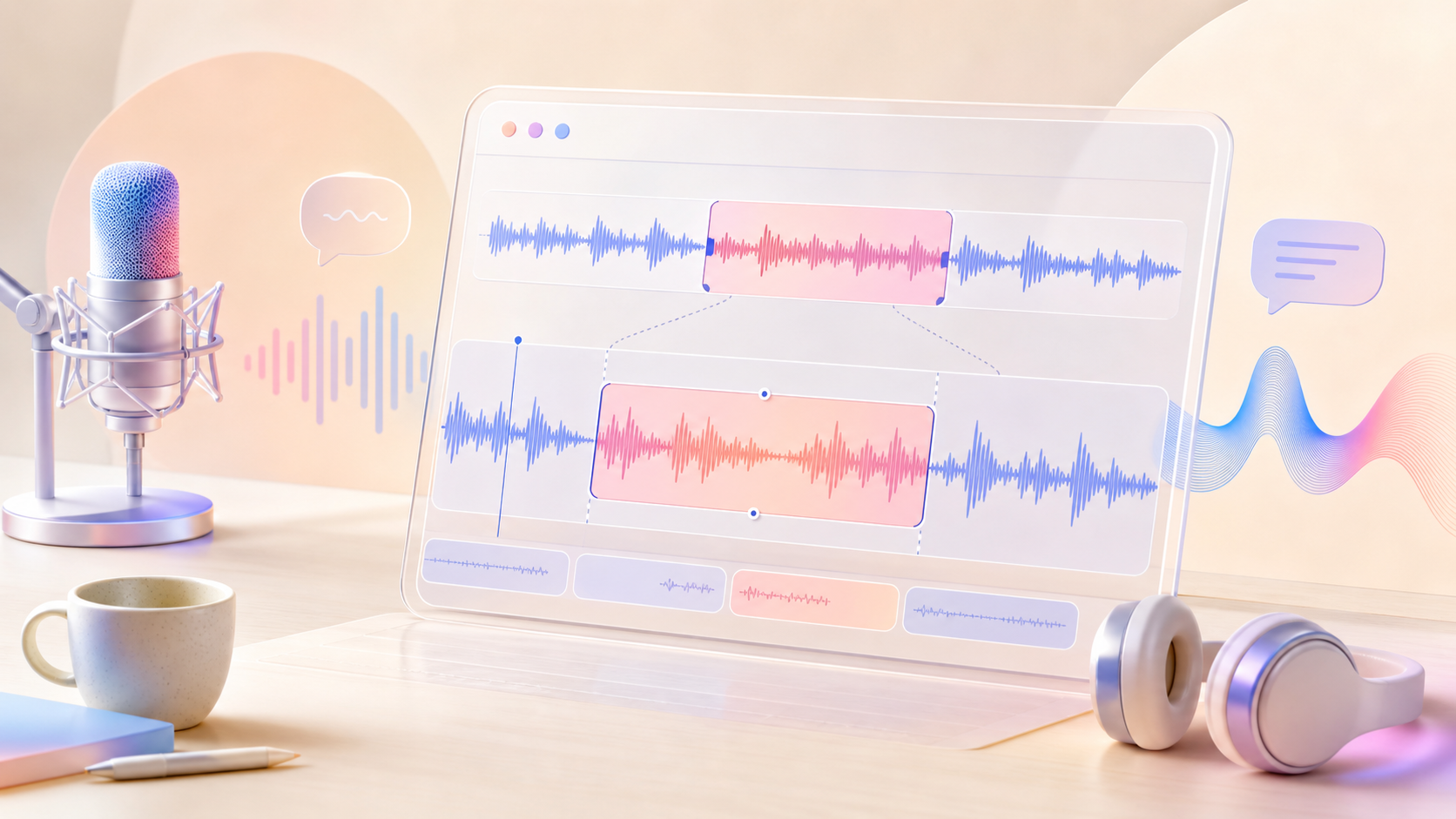
Sound edits should preserve the performance.
The real production win is not only generating speech. It is keeping the approved take intact while replacing the exact words that changed.
Evaluation path
Start with the ViiTorVoice questions that decide production fit
These early modules cover local editing, demo testing, NAR TTS, benchmark reading, and workflow fit before the deeper production checklist continues.
ViiTorVoice local speech editing
ViiTorVoice focuses on replacing only the changed speech region while keeping the rest of the take stable. That matters when a finished recording needs a precise correction instead of a full regeneration.
- Use it for names, numbers, product terms, legal copy, and short localization changes.
- Review the edit boundary before judging the center of the replaced phrase.
- Keep the approved performance intact when the surrounding delivery already works.
AI voice editing workflow
A useful AI voice editing workflow starts with a source recording, original transcript, edited transcript, and a review pass that compares the new phrase against the surrounding context.
- Prepare source audio and exact text before opening the demo.
- Edit one span at a time so problems are easy to isolate.
- Save before-and-after exports for reviewer approval.
Editable AI voice demo
The embedded ViiTorVoice demo should be the first stop because it reveals the interaction model faster than a technical description. Try a short replacement, then move into harder examples.
- Start with a clean sentence and one short edit.
- Then test a name, number, brand term, and multilingual phrase.
- Compare pace, tone, breath timing, and background continuity.
NAR TTS architecture
ViiTorVoice uses a non-autoregressive speech generation approach, which is relevant because local editing needs the model to reason around the masked region instead of regenerating every later token in sequence.
- NAR generation is a better mental model for fill-in-the-blank audio replacement.
- The public technical notes describe masked codebook completion.
- Developers should compare local editing quality against full-line regeneration.
Voice cloning without reference text
No-reference-text voice cloning lowers setup friction because a user can provide prompt audio without always supplying a transcript for the reference clip.
- Useful when reference audio exists but transcript quality is unreliable.
- Still review pronunciation and speaker similarity before production use.
- Do not upload private or unlicensed voices to public demos.
Emotion and paralinguistic control
ViiTorVoice includes emotion and paralinguistic controls for cues such as laughter, pauses, style, and non-verbal vocal events. These controls matter when correct words are not enough.
- Test emotional tags separately from normal speech generation.
- Tune expressive strength against audio naturalness.
- Reject outputs that sound technically correct but emotionally wrong.
Low-latency TTS evaluation
The public notes describe first-block inference for low-latency generation. For production teams, latency only matters if it holds under the audio length, concurrency, and hardware they actually use.
- Measure first audio response and full export time separately.
- Benchmark the hosted demo and local setup independently.
- Track latency together with acceptance rate, not alone.
TTS benchmark reading guide
TTS benchmark results help shortlist a model, but they should not replace listening tests. Word error rate does not measure edit boundary continuity, emotional consistency, or brand suitability.
- Use WER as a signal for transcript faithfulness.
- Use human review for naturalness, identity, and rhythm.
- Run a private scorecard on the phrases your team actually ships.
Creator production fit
The best creator fit is repeatable work: short videos, ads, courses, podcasts, audiobooks, and social clips where small script changes often trigger expensive pickup sessions.
- Estimate how many rerecords happen per project.
- Compare edit time against normal studio or voiceover revision time.
- Prioritize workflows where consistency matters more than novelty.
Developer integration path
Developers should start with the public repository, model files, demo behavior, and a small acceptance dataset before building automation around ViiTorVoice.
- Read the GitHub repository and technical notes first.
- Download model resources only after reviewing storage and runtime requirements.
- Create tests for edit spans, voice cloning, emotion tags, and failure handling.
Short video voice edits
Short-form creators need fast turnaround, but they also need clips to feel native to TikTok, Shorts, Reels, and translated social cuts. ViiTorVoice is useful when one changed line should not disturb the rest of the clip.
- Patch product names and captions without changing the whole voiceover.
- Keep the hook delivery consistent across revisions.
- Export variants for platform-specific calls to action.
Advertising copy replacement
Ad teams change offers, product names, legal qualifiers, and landing page language late in the campaign. Local speech editing can preserve the approved read while swapping the required phrase.
- Replace discounts, dates, and offer names.
- Maintain the approved campaign voice.
- Review compliance copy before media buying starts.
Audiobook correction workflow
Audiobooks and long narrated lessons accumulate small errors that are painful to rerecord. ViiTorVoice local edits are most valuable when a single phrase must be corrected inside a long approved performance.
- Fix misread names and terminology.
- Patch changed references without rerendering a chapter.
- Keep narrator identity consistent across corrections.
Course narration updates
Courses change when software screens, product names, dates, or lesson instructions change. Editable AI voice helps course teams maintain old modules without scheduling new recording sessions.
- Update lessons after product launches.
- Keep voice consistency across old and new modules.
- Label synthetic updates according to platform policy.
Podcast pickup repair
Podcasters often need a small pickup line after the edit is otherwise final. A local voice edit can repair a date, sponsor line, guest name, or disclaimer without disturbing the episode tone.
- Patch sponsor reads and show notes references.
- Check room tone around the edited span.
- Use headphones to catch boundary artifacts.
Game dialogue localization
Games and interactive stories need consistent character identity across many lines. ViiTorVoice can be evaluated for fixes where one localized phrase changes after QA.
- Test character names and invented terms.
- Compare emotion tags against scene context.
- Keep consent and licensing records for every reference voice.
Short drama dubbing
Short drama teams ship many episodes with tight localization deadlines. Editable voice workflows help when platform review or market adaptation changes a line after the first audio pass.
- Patch compliance-sensitive lines.
- Preserve character delivery across serialized content.
- Review lip-sync needs separately from voice continuity.
Brand voice consistency
Brands that use recurring narrators, mascots, or founder voices care about continuity. A local edit is valuable only if the replacement sounds like the same speaker in the same moment.
- Build a reference library with consent.
- Track reviewer approval by voice and content type.
- Reject output that harms trust, even if the words are correct.
Multilingual speech workflow
Multilingual teams need more than translation. They need speaker identity, pronunciation, emotional rhythm, and review speed across languages and markets.
- Test every target language separately.
- Include local reviewers for pronunciation and tone.
- Compare dubbed output against market-specific expectations.
Edit boundary quality checks
The edit boundary is where most local speech editing failures become obvious. Listen before, during, and after the replacement instead of judging the generated phrase in isolation.
- Check consonants at the start and end of the edit.
- Listen for sudden noise-floor changes.
- Compare pacing against the original sentence.
Speaker similarity review
Voice cloning quality depends on whether the output still feels like the original speaker. Similarity is not only timbre; it also includes pitch behavior, cadence, emphasis, and delivery habits.
- Use blind review when possible.
- Compare short and long sentences separately.
- Reject outputs that drift across longer passages.
Naturalness and emotion review
A speech edit can say the right words while sounding robotic or emotionally mismatched. Naturalness review should measure realism, pauses, rhythm, and whether the edit fits the scene.
- Listen for robotic artifacts or unnatural stress.
- Check whether emotion matches the neighboring sentence.
- Use multiple reviewers for subjective judgments.
Audio clarity and noise floor
Production audio rarely sounds like a clean demo. Test ViiTorVoice with real microphones, room tone, compression, background noise, and export settings before trusting it.
- Prepare clean and noisy reference clips.
- Check clicks, pops, distortion, and room-tone shifts.
- Review outputs on headphones, laptop speakers, and mobile speakers.
Latency and throughput planning
Teams that process many edits need throughput planning, not just a single demo run. Measure queue time, first-frame response, full generation time, and reviewer time.
- Separate model latency from upload and review latency.
- Measure batch behavior with real project volume.
- Track cost per accepted edit.
Model resource checklist
The public model page lists components for generation, codec handling, semantic features, alignment, and runtime assets. Developers should verify component purpose before local setup.
- Confirm model files and directory structure.
- Review license and upstream model terms.
- Budget storage and hardware before downloading large files.
Local deployment questions
A local deployment decision should include hardware, latency, storage, privacy, update cadence, and who reviews outputs before publishing.
- Decide whether public demo testing is enough for the first pass.
- Keep private audio inside controlled environments.
- Document every dependency needed for repeatable inference.
Hugging Face demo evaluation plan
The Hugging Face demo is useful for fast learning, but a serious evaluation needs a fixed script list and repeatable scoring criteria.
- Run the same source clip through multiple edit cases.
- Record whether each output is accepted, revised, or rejected.
- Keep notes on failure type, not just pass or fail.
Prompt audio preparation
Prompt audio quality shapes voice cloning results. Good reference clips should be clear, rights-cleared, representative, and long enough to capture the speaker traits you need.
- Avoid private, confidential, or unlicensed recordings.
- Prefer clean clips with stable speaker identity.
- Test whether noisy references create inconsistent output.
Text diff and alignment
Local editing depends on finding what changed and aligning text to the source audio. Bad transcripts, missing punctuation, or mismatched wording can make the replacement region harder to locate.
- Keep original and edited text exact.
- Use punctuation that reflects spoken pacing.
- Validate alignment before judging model quality.
Voice cloning consent checklist
Voice cloning requires consent, rights, and review. The safest workflow treats voice identity as sensitive material, not as a generic asset.
- Get explicit permission for reference voices.
- Store source and generated audio with access controls.
- Disclose synthetic or edited speech when the platform or audience expects it.
Security and private audio
Public demos are useful for exploration, but they are not the place for confidential scripts, customer recordings, unreleased campaigns, or private voice data.
- Use throwaway samples for public demo testing.
- Move sensitive evaluation to a controlled environment.
- Delete files you do not need to retain.
Comparison against full regeneration
A fair test compares ViiTorVoice local editing against full-line regeneration and manual rerecording. The winning workflow is the one that reaches approval fastest without quality loss.
- Measure total review time, not only render time.
- Compare continuity around the edited phrase.
- Track how often the edit avoids a rerecord.
When not to use ViiTorVoice
Local speech editing is not always the answer. If the entire scene, emotion, language, or pacing changes, full regeneration or a human rerecord may be more honest and efficient.
- Rerecord when the acting direction changes.
- Regenerate when most of the sentence changes.
- Avoid voice cloning without permission.
Evaluation scorecard
A practical ViiTorVoice scorecard should combine transcript match, voice identity, naturalness, emotion fit, latency, edit boundary continuity, and reviewer approval.
- Score each item on a small consistent scale.
- Keep examples of accepted and rejected edits.
- Repeat the same scorecard after model or prompt changes.
Team review workflow
The best homepage answer for production teams is not only what the model can do, but how a team should review it. Assign roles for source prep, generation, listening, rights, and final approval.
- Separate technical review from editorial approval.
- Keep a changelog for every published voice edit.
- Make rejection reasons easy to search later.
Publishing disclosure
Synthetic speech disclosure depends on product, platform, jurisdiction, and audience expectation. Build disclosure decisions into the workflow before the final export.
- Check platform rules for AI-generated or AI-edited media.
- Avoid deceptive impersonation.
- Keep consent and review notes with the project.
Common failure cases
Common ViiTorVoice evaluation failures include wrong pronunciation, boundary clicks, emotion mismatch, speaker drift, noisy references, and edits that sound correct alone but wrong in context.
- Classify failures by cause.
- Retest with cleaner prompt audio or shorter spans.
- Decide when manual rerecording is cheaper than repeated generation.
ViiTorVoice testing plan
A useful testing plan is simple: open the demo, test five realistic edits, read the public repository, and build a small acceptance set before committing to a workflow.
- Open the embedded ViiTorVoice demo.
- Read the ViiTorVoice-NAR repository and model page.
- Compare results against your current rerecording process.
Public ViiTorVoice resources
Use these source pages to verify setup, demo behavior, and model availability.
ViiTorVoice FAQ
Where can I try ViiTorVoice?
The public Hugging Face Space is embedded on this page, and the demo is also available at huggingface.co/spaces/ZzWater/ViiTorVoice.
Where are the public model resources?
The public repository is github.com/viitor-ai/viitor-voice-nar, and the model page is huggingface.co/ZzWater/ViiTorVoice-NAR.